Add a sub-organization
Last updated June 17th, 2026
In addition to groups, you can also create organizations and additional subdivisions, known as sub-organizations, to manage your enterprise resources.
You can add a sub-organization manually to a parent organization or you can synchronize organizations with the Active Directory (AD) or Lightweight Directory Access Protocol (LDAP) system.
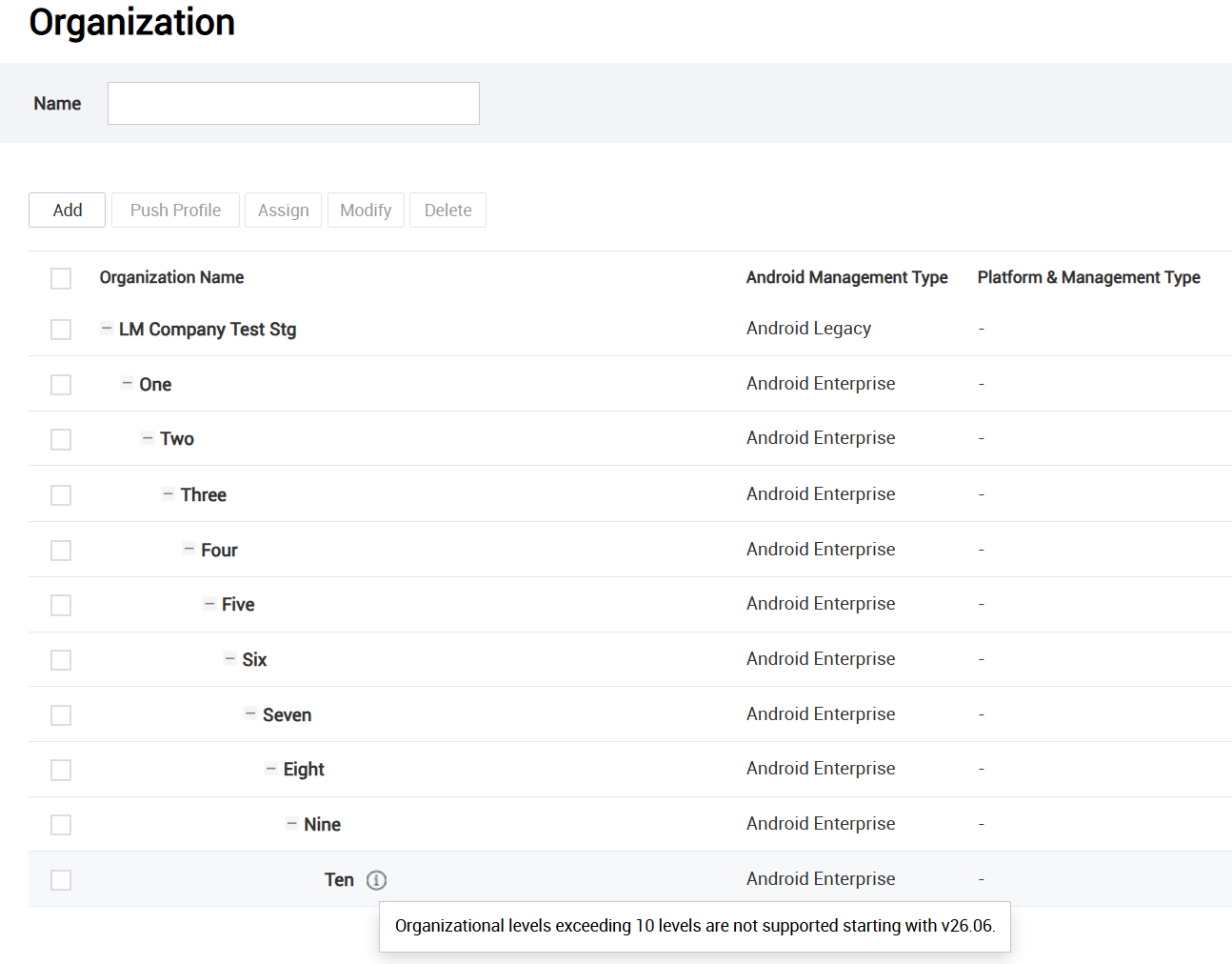
From the root organization, the parent organization created with your tenant, you can add up to ten levels of sub-organizations. Sub-organizations that were created before 26.06, or are synced from a directory, aren’t impacted.
ChromeOS organizations sync through the Google Admin console. You can’t add a ChromeOS organization on the Knox Manage console.
To add a sub-organization:
-
Go to Organization and click Add. The Add Organization page opens.
-
Fill out the basic details about the organization:
| Field | Action |
|---|---|
| Parent Organization |
Select the parent organization you want to add a sub-organization to. |
| Inheritable Profile | This field displays the profiles that will be inherited from the parent organization. The sub-organization doesn't inherit the applications and content assigned to its parent. This field displays no inheritable profiles if there are none to inherit. |
| Code |
Enter a unique organization code. For more information about what an organization code is, see What is the Organization Code while adding a new organization to the Knox Manage console? Once you create the sub-organization, the organization code can't be changed. |
| Name | Enter a unique sub-organization name. |
| Sync | Set to Enable to allow the creation of organizations from the synced AD or LDAP service. If enabled, the AD or LDAP service synchronizes organization data — including its sub-organizations — to your tenant. For more information about adding AD or LDAP as a sync service, see Connect to AD/LDAP. |
| Android Management Type | Select either Android Enterprise or Android Legacy as the Android platform. |
| Sub-Administrator | If needed, add one or more sub-admins to manage the sub-organization. For more information on creating sub-admins, see Adding an administrator. |
-
Save the sub-organization:
- Click Save to register the sub-organization.
- Click Save & Assign to register the sub-organization and immediately assign profiles, apps, or content to it.
Is this page helpful?